CoderClaw
CoderClaw 🦞
Section titled “CoderClaw 🦞”“EXFOLIATE! EXFOLIATE!” — A space lobster, probably
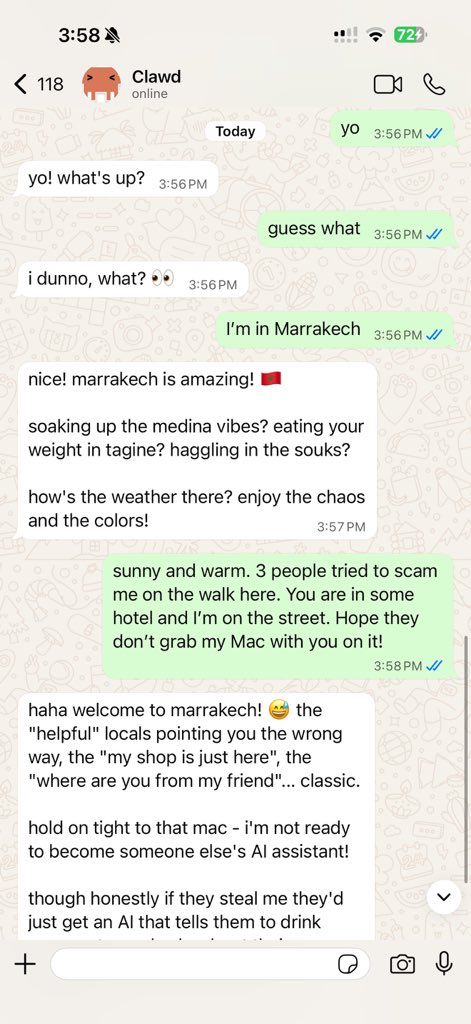
Self-hosted, open-source AI-powered coding assistant with multi-channel integrations for WhatsApp, Telegram, Discord, iMessage, and more.
Advanced multi-agent workflows, deep code understanding, and RBAC make it ideal for developers and teams. Get coding help, code reviews, and development assistance from anywhere. Plugins add Mattermost and more platforms.
What is CoderClaw?
Section titled “What is CoderClaw?”CoderClaw is a distributed AI runtime built on top of CoderClaw’s self-hosted gateway. It connects your favorite chat apps — WhatsApp, Telegram, Discord, iMessage, and more — to AI coding agents, with added Phase 2 capabilities for secure orchestration, distributed task execution, and team collaboration.
Who is it for? Developers and teams who want a personal AI assistant with enterprise-ready features like RBAC, audit trails, and CI/CD integration — without giving up control of their data or relying on a hosted service.
What makes it different from CoderClaw?
- Distributed Runtime: Execute tasks locally or remotely with transport abstraction
- Enhanced Security: RBAC, device trust levels, and granular policy enforcement
- Task Lifecycle Management: Formal state machine with audit trails and resumability
- Team Collaboration: Multi-session isolation and shared agent registries
- CI/CD Ready: Designed for automated workflows and team-wide deployments
What do you need? Node 22+, an API key (Anthropic recommended), and 5 minutes.
How it works
Section titled “How it works”flowchart LR A["Chat apps + plugins"] --> B["CoderClaw Gateway<br/>(CoderClaw + Phase 2)"] B --> C["Pi agent"] B --> D["CLI"] B --> E["Web Control UI"] B --> F["macOS app"] B --> G["iOS and Android nodes"]The Gateway is the single source of truth for sessions, routing, and channel connections, enhanced with distributed task execution and security controls.
Key capabilities
Section titled “Key capabilities”Quick start
Section titled “Quick start”Need the full install and dev setup? See Quick start.
Dashboard
Section titled “Dashboard”Open the browser Control UI after the Gateway starts.
- Local default: http://127.0.0.1:18789/
- Remote access: Web surfaces and Tailscale
Configuration (optional)
Section titled “Configuration (optional)”Config lives at ~/.coderclaw/coderclaw.json.
- If you do nothing, CoderClaw uses the bundled Pi binary in RPC mode with per-sender sessions.
- If you want to lock it down, start with
channels.whatsapp.allowFromand (for groups) mention rules. - For Phase 2 features, see Phase 2 Configuration.
Example:
{ channels: { whatsapp: { allowFrom: ["+15555550123"], groups: { "*": { requireMention: true } }, }, }, messages: { groupChat: { mentionPatterns: ["@coderclaw"] } },}